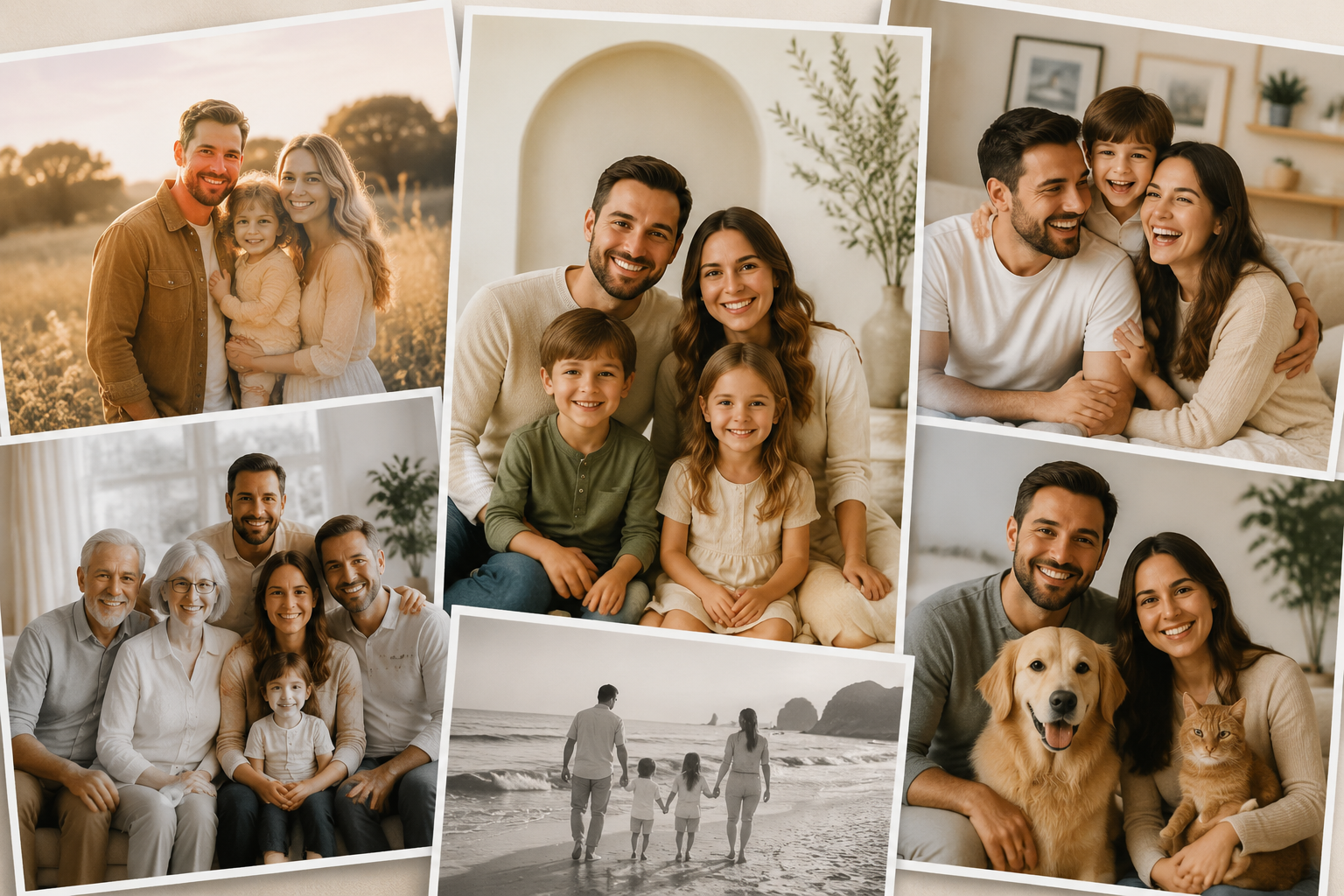
Modern families live across cities, time zones, and busy schedules. Getting everyone in the same room for a professional photo shoot is harder than ever — yet the desire to preserve family memories has not changed. That is where AI family portraits come in: you upload clear selfies, choose a scene, and FamPortrait generates a polished group portrait without coordinating a studio session.
Whether you want wall art for a new home, a holiday card, or a gift for grandparents, here are practical ideas that work well for real families today.
Why AI family portraits fit modern life
Traditional family photos often fail for simple logistical reasons:
- Someone is traveling or lives abroad
- Young children will not sit still for long
- Schedules clash across work, school, and weekends
- Professional shoots are expensive and time-consuming
AI portraits solve the coordination problem. Each person can upload 2–5 clear selfies on their own time. The AI then blends faces into one cohesive scene while keeping identity recognizable.
Idea 1: The “everyone together” portrait from separate selfies
This is the most popular use case. Each family member uploads front-facing selfies with good lighting. FamPortrait combines them into one image — living room, garden, beach, or a classic studio-style backdrop.
Best for: framed prints, gallery walls, and sharing with relatives who rarely see the whole family together.
Tip: Ask everyone to avoid sunglasses, heavy filters, and extreme angles. Front-facing photos produce the sharpest results.
Idea 2: Milestone portraits without a photo shoot
Life moves fast. These moments deserve a portrait even when you did not plan a session:
- A new baby joining the family
- Kids starting school or graduating
- Moving into a first home
- A big anniversary
Upload recent selfies, pick a warm or celebratory scene, and create a portrait that marks the milestone — often within minutes, not weeks.
Idea 3: Holiday and greeting cards
Holiday cards do not require a December photo shoot. Upload selfies in November, generate a winter or cozy indoor scene, and print or send digitally.
Families spread across countries especially benefit: no one needs to fly home just for one photo.
Idea 4: Grandparent and multi-generation gifts
Grandparents often want photos of grandchildren together. AI portraits let you combine images of kids who live in different households into one frame — a thoughtful gift for birthdays, Mother's Day, or Father's Day.
For a more formal look, choose a painterly or classic portrait style. For everyday warmth, pick a soft living-room or outdoor scene.
Idea 5: Wall art that matches your home
Before generating, think about where the portrait will hang:
- Neutral backgrounds suit minimalist or modern interiors
- Outdoor golden-hour scenes feel timeless in any room
- Painterly styles work well in traditional or vintage-decor spaces
Generate a few variations with different scenes and compare them on the wall (phone preview against the actual wall color helps).
How to get the best results
Follow these simple rules for every person in the portrait:
- Use 2–5 clear selfies per person — not just one blurry image
- Face the camera with even lighting on the face
- Skip sunglasses and heavy beauty filters
- Pick similar lighting across uploads when possible (all indoor or all outdoor)
Ready to start? Go to FamPortrait upload, add your photos, choose your scenes, and generate your family portrait project.
When AI portraits are not the right tool
AI family portraits excel at combining separate photos into one scene. They are less ideal when you need:
- Exact reproduction of a specific real location
- Perfect match to professional studio lighting from a past shoot
- Legal or official ID-style documentation
For those cases, a photographer or specialized service may still be better. For everyday memory-keeping and creative gifts, AI portraits are a practical modern option.
Final thoughts
You do not need perfect timing or a perfect studio to create a family portrait worth framing. With clear selfies and a few thoughtful choices about scene and style, modern families can preserve memories on their own schedule — and that is exactly what tools like FamPortrait are built for.
Frequently asked questions
How many photos do I need for an AI family portrait?
FamPortrait works best with 2 to 5 clear selfies per person. Front-facing photos with good lighting produce the sharpest results.
Can I create a portrait if family members live in different places?
Yes. Each person can upload selfies separately, and the AI combines them into one cohesive family portrait.
What scenes work best for AI family portraits?
Warm indoor scenes, soft outdoor settings, and classic portrait backdrops all work well. Choose a scene that matches where you plan to display the finished image.
Related articles
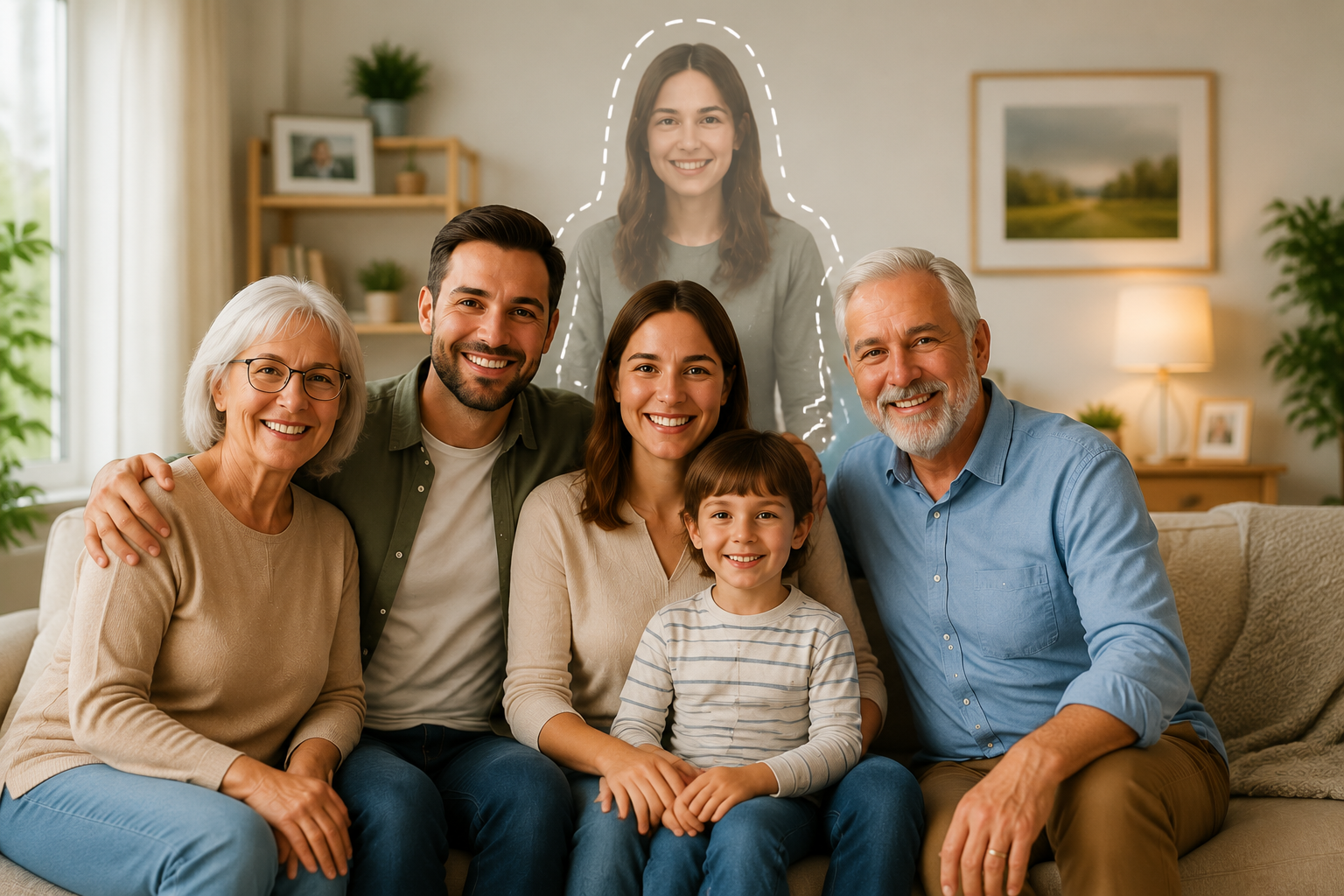
How to Add a Loved One to a Family Photo
A practical guide to adding a loved one to a family photo with AI while keeping the scene natural, respectful, and emotionally meaningful.
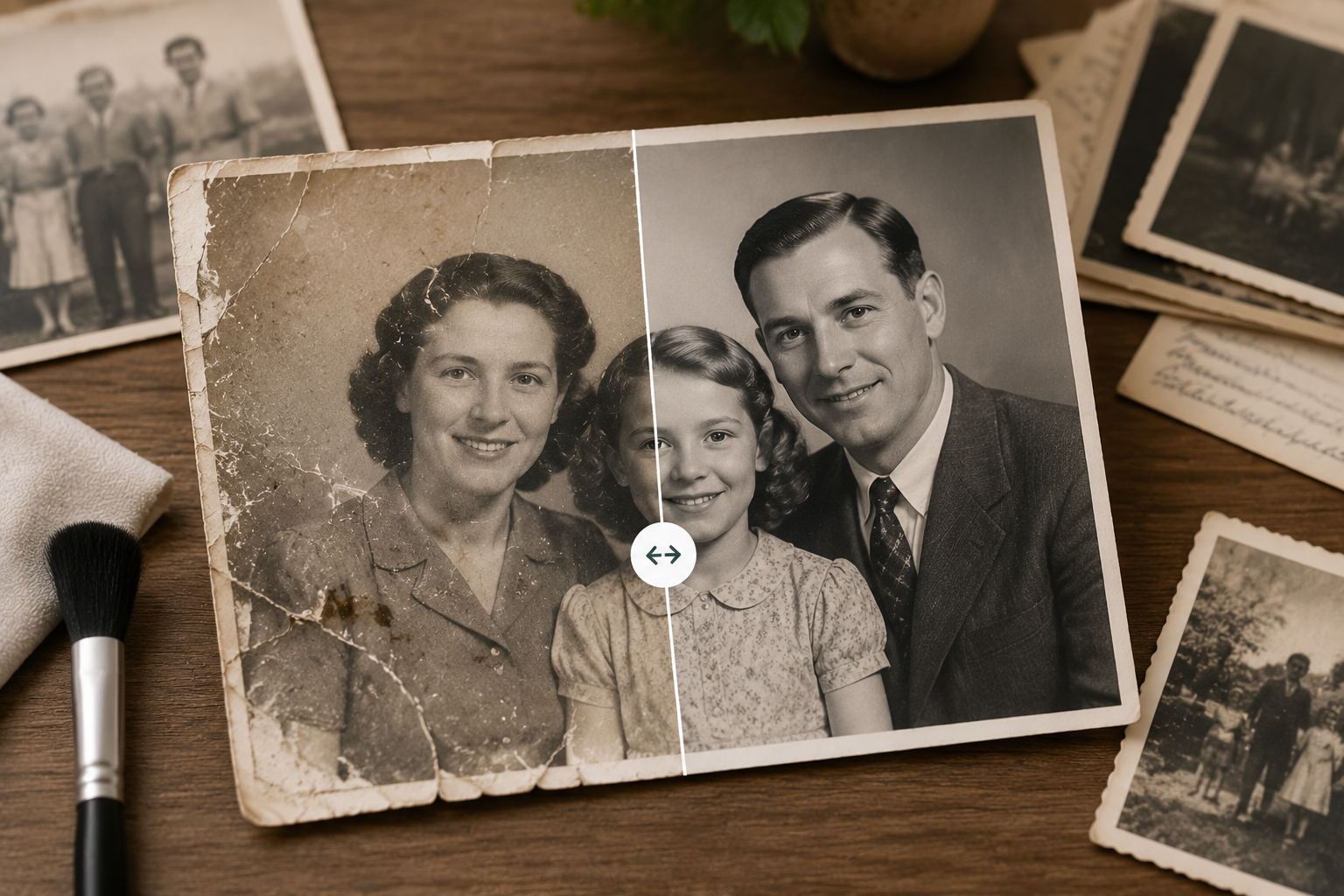
How to Restore Old Family Photos Online
Learn how to restore old family photos online with AI, including faded color repair, scratch removal, and black-and-white colorization.